
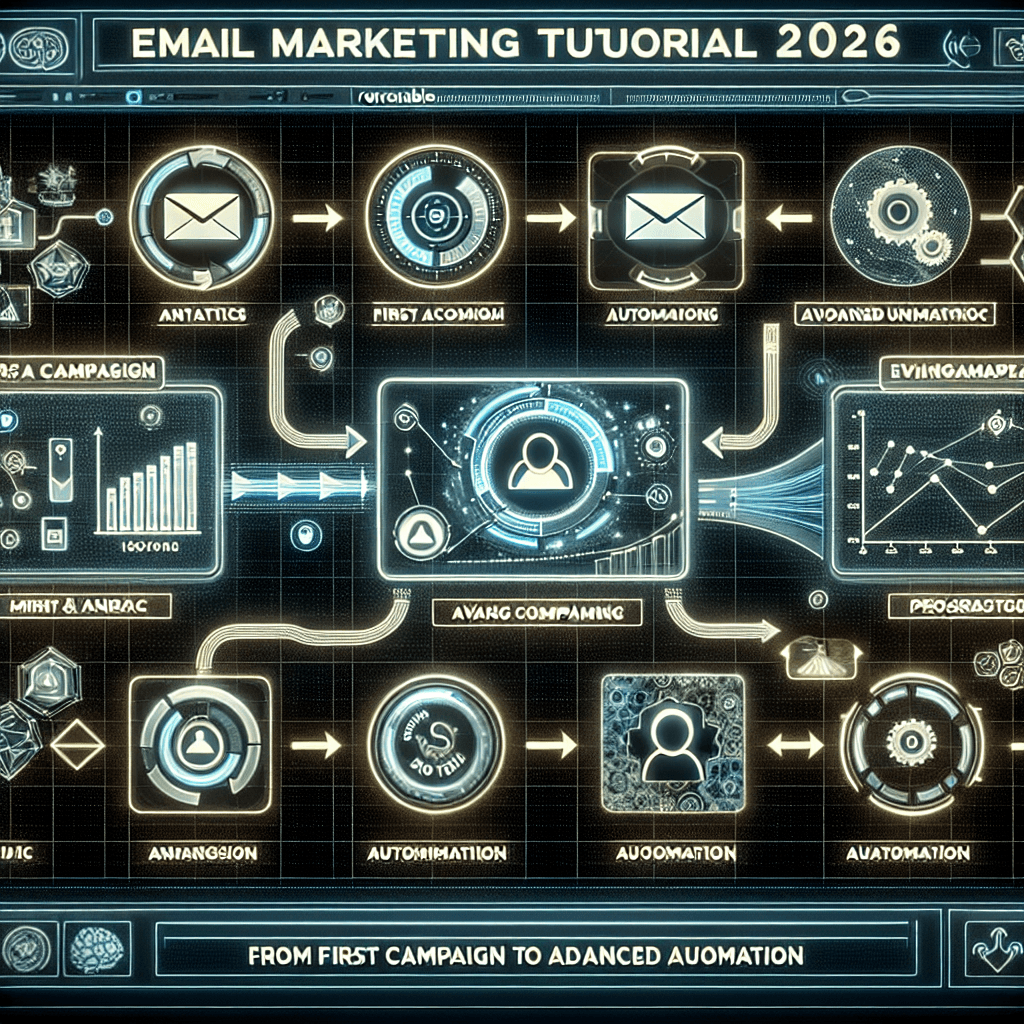
Email marketing remains the highest ROI channel in digital marketing, generating an average of $36 for every $1 spent. However, as we move through 2026, the complexity of tools and stricter deliverability standards (thanks to Google and Yahoo’s updated policies) have made choosing the right platform critical.
Enter Systeme.io. While originally known as a funnel builder, its email marketing capabilities have matured into a powerhouse that rivals standalone tools like ActiveCampaign or ConvertKit—often for a fraction of the price.
Whether you are a complete beginner looking to send your first newsletter or an advanced marketer ready to build complex behavioral workflows, this guide covers it all. We will move beyond the basics and dive into the specific strategies that work right now.
Table of Contents
- Why Systeme.io for Email Marketing in 2026?
- Phase 1: The Essential Setup (Don’t Skip This)
- Phase 2: Managing Contacts: The Tagging System
- Phase 3: Sending Your First Newsletter
- Phase 4: Campaigns vs. Newsletters
- Phase 5: Advanced Automation & Workflows
- Phase 6: 2026 Deliverability Best Practices
- Pros and Cons Summary
- Frequently Asked Questions (FAQ)
Why Systeme.io for Email Marketing in 2026?
Before we dive into the “how-to,” it is important to understand why you are here. In 2026, the line between “funnel builder” and “email autoresponder” has blurred.
Systeme.io integrates email marketing directly with your sales pages, courses, and checkout forms. This integration means you don’t need Zapier to bridge your data. When a user buys a product, the email automation triggers instantly.
Key benefits include:
- Unlimited Emails: Even on the free plan, you aren’t capped on the number of emails you send, only on the number of contacts.
- Visual Automation: A drag-and-drop workflow builder that competes with enterprise-level software.
- Integrated Deliverability: Native tools to monitor your reputation.
Phase 1: The Essential Setup (Don’t Skip This)
In 2026, you cannot simply sign up and start sending emails from a @gmail.com address. Your emails will land in spam immediately. You must authenticate your professional domain.
Step 1: Professional Domain Email
Ensure you have a custom domain email (e.g., name@yourdomain.com). If you don’t have one, purchase a domain from a registrar like Namecheap or GoDaddy and set up a workspace email.
Step 2: Authentication (DMARC, DKIM, SPF)
Systeme.io makes this relatively painless, but it is mandatory.
- Log in to your Systeme.io dashboard.
- Navigate to Settings (Click your profile picture) > Emails.
- Click on “Click here to authenticate your domain name”.
- Enter your domain name (e.g.,
yourdomain.com) without the “www”. - The CNAME Records: Systeme.io will generate three CNAME records. You must copy these and paste them into your domain registrar’s DNS settings.
Tip: DNS propagation can take anywhere from 1 hour to 48 hours. Use a tool like generic DNS checkers to verify when they are live. Do not attempt to send emails until these are verified.
Phase 2: Managing Contacts: The Tagging System
If you are coming from Mailchimp, you might be used to “Lists.” Systeme.io uses a Tag-based system. This is superior for segmentation but requires a mindset shift.
Why Tags?
A contact only exists once in your database. You apply “stickers” (Tags) to them to indicate their behavior.
- Downloaded eBook (Tag A)
- Bought Course (Tag B)
- Clicked Link (Tag C)
How to Create Tags
- Go to Contacts > Tags.
- Click Create.
- Name your tag descriptively (e.g.,
Lead - Newsletter Optin,Customer - Course 101).
Best Practice: Create a “Master” tag for anyone who enters your ecosystem, and specific tags for different lead magnets. This allows you to filter your audience precisely later.
Phase 3: Sending Your First Newsletter
A Newsletter (or Broadcast) is a one-time email sent to a specific group of people at a specific time.
Step-by-Step Guide
- Navigate to Emails > Newsletters.
- Click Create.
- Subject Line: Make it punchy.
- Sender Name: Use a real name (e.g., “John from Company” performs better than just “Company”).
- Editor Selection:
- Visual Editor: Drag-and-drop, great for e-commerce or image-heavy emails.
- Classic Editor: Text-based. Highly Recommended for 2026. Plain text emails often have higher deliverability rates because they look like personal correspondence rather than marketing promotions.
Editing Your Email
- Personalization: Use the substitute variables list. Start your email with
Hi {first_name},. - The Body: Keep paragraphs short (1-2 sentences).
- Links: Highlight text and use the link icon. Avoid pasting raw long URLs.
Sending Options
Once the email is written, you have three choices in the settings sidebar:
- Send Now: Goes out immediately.
- Schedule: Pick a date and time.
- Send to segments: Here is where you select the Tags you created earlier. You can also exclude tags (e.g., Send to
Leadsbut excludeCustomers).
[Image Description: A screenshot of the Systeme.io Newsletter settings sidebar showing the ‘Include tags’ and ‘Exclude tags’ input fields.]
Phase 4: Campaigns vs. Newsletters
Confusion between these two terms is common. Here is the breakdown:
| Feature | Newsletter | Campaign |
|---|---|---|
| Frequency | One-off send (Manual) | Automated Sequence (Drip) |
| Purpose | Weekly updates, news, flash sales | Onboarding, Nurturing, Evergreen sales |
| Trigger | You click “Send” | Triggered by an action (Opt-in, Tag added) |
| Flexibility | Static content | Can contain 1 to 100+ emails |
Creating a Campaign (Drip Sequence)
- Go to Emails > Campaigns.
- Create a new campaign named “Welcome Sequence”.
- Click into the campaign and select Create.
- Write your first email (e.g., “Here is your free download”).
- Delay Settings: This is crucial.
- Email 1: Delay = 0 (Send immediately).
- Email 2: Delay = 1 Day after Email 1.
- Email 3: Delay = 2 Days after Email 2.
This creates a linear “drip” of content that runs on autopilot for every new subscriber.
Phase 5: Advanced Automation & Workflows
This is where Systeme.io shines. While “Automation Rules” are simple “If This, Then That” triggers, Workflows allow for visual, complex logic.
Scenario: The “Abandoned Interest” Workflow
Let’s say you want to sell a course. You send an email. If they click the link but don’t buy, you want to send a different follow-up than if they didn’t open the email at all.
- Navigate to Automations > Workflows.
- Trigger: Funnel Form Subscribed (or Tag Added).
- Action: Send Email (Welcome).
- Decision (The Diamond Shape):
- Select criteria: Clicked link in email?
- Yes Path: Wait 1 day -> Check if they bought (Has “Customer” tag?). If No -> Send “Did you see this?” discount email.
- No Path: Wait 2 days -> Resend the initial email with a different subject line.
Using Automation Rules (The Simple Method)
If workflows feel too complex, use Rules within your Funnel steps.
- Go to your Funnel.
- Click the Automation Rules tab.
- Add Rule: Funnel Step Subscribed.
- Add Action: Subscribe to Campaign (Select your Welcome Campaign).
- Add Action: Add Tag (Select your Lead Tag).
Pro Tip: Always tag your users before sending them emails. It ensures your database stays organized for the long term.
Phase 6: 2026 Deliverability Best Practices
Getting the email set up is half the battle; landing in the inbox is the other half.
1. List Hygiene
Systeme.io charges based on contacts. Keeping “dead” leads costs you money and hurts your deliverability.
- The Strategy: Every 3 to 6 months, run a workflow checking for subscribers who haven’t opened an email in 90 days. Send a “Do you still want to hear from me?” email. If they don’t click, automatically delete them.
2. Engagement Monitoring
In your dashboard, watch the “Spam Report” percentage closely.
- Safe Zone: Under 0.05%
- Danger Zone: Above 0.1%
If your spam rate spikes, pause your campaigns and review your content. Are you promising things you aren’t delivering? Is the unsubscribe link easy to find?
3. Text vs. HTML
As mentioned in the editor section, heavy HTML templates (lots of images, columns, and logos) often get shunted to the Gmail “Promotions” tab. For 2026, lean towards simple, text-heavy emails that feel like a conversation.
Pros and Cons Summary
Is Systeme.io the right tool for your specific needs?
| Pros | Cons |
|---|---|
| All-in-One Integration: No need to connect 3rd party tools via API. | Limited Design Customization: The email builder is functional but less “pretty” than Flodesk. |
| Cost-Effective: Free plan is incredibly generous (2,000 contacts). | Strict Compliance: They are aggressive about banning accounts with high spam rates (which is good for the platform, tough for spammers). |
| Visual Workflows: comparable to expensive tools like ActiveCampaign. | Reporting: Analytics are good but lack deep “heat map” style data. |
| Deliverability: Solid reputation management tools included. |
Conclusion
Systeme.io has evolved into a legitimate contender in the email marketing space for 2026. It removes the technical headache of connecting a landing page builder to an email service provider, allowing you to focus on what matters: the message.
By following the setup regarding domain authentication and utilizing the tag-based architecture effectively, you can build a marketing machine that runs while you sleep. Start simple with a newsletter, and graduate to visual workflows as your business grows.
Ready to build your first campaign? Log in to your dashboard and set up those CNAME records today.
Frequently Asked Questions (FAQ)
Q1: Is Systeme.io email marketing really free?
Yes, the “Freemium” plan allows you to have up to 2,000 contacts and send unlimited emails. You also get access to 1 automation workflow and 1 tag, which is enough to start.
Q2: Can I migrate my contacts from Mailchimp or AWeber to Systeme.io?
Absolutely. You can export your contacts as a CSV file from your old provider and import them into Systeme.io. During the import, you can bulk-apply a Tag (e.g., “Imported from Mailchimp”) to keep them organized.
Q3: Does Systeme.io support cold email marketing?
No. Systeme.io is strictly for opt-in marketing. Sending cold emails to purchased lists will result in a ban. You must have permission to email your contacts.
Q4: How do I stop my emails from going to the Spam folder?
- Authenticate your domain (DKIM/DMARC).
- Don’t use spam-trigger words in subject lines (e.g., “Free Money”, “$$$”).
- Clean your list regularly to remove inactive subscribers.
Q5: Can I A/B test my emails in Systeme.io?
Yes, Systeme.io allows you to A/B test subject lines and email content within the email settings to see which variation yields higher open and click-through rates.
Q6: What happens if I exceed the 2,000 contact limit?
You will need to upgrade to the “Startup” plan. However, compared to competitors, the pricing tiers for larger lists are significantly cheaper.

लेटेस्ट अपडेट्स, ट्रेंडिंग न्यूज़, वायरल टॉपिक्स, फैशन से जुड़ी जानकारी और बहुत कुछ। मोबाइल लॉन्च, टेक तुलना और ताज़ा मुद्दों पर इन-डेप्थ आर्टिकल्स के साथ हमेशा रहें अपडेटेड