
Email marketing remains one of the highest ROI channels for digital entrepreneurs, and as we move through 2026, the visual standard for newsletters has never been higher. Your subscribers are inundated with content daily; to stand out, your emails need to look professional, load instantly, and offer immediate value.
If you are using Systeme.io, you are already ahead of the curve. Known for its powerful all-in-one marketing ecosystem, Systeme.io provides a robust drag-and-drop email editor that rivals standalone platforms like Mailchimp or ConvertKit. However, staring at a blank white canvas can be intimidating. That is where high-quality templates come in.
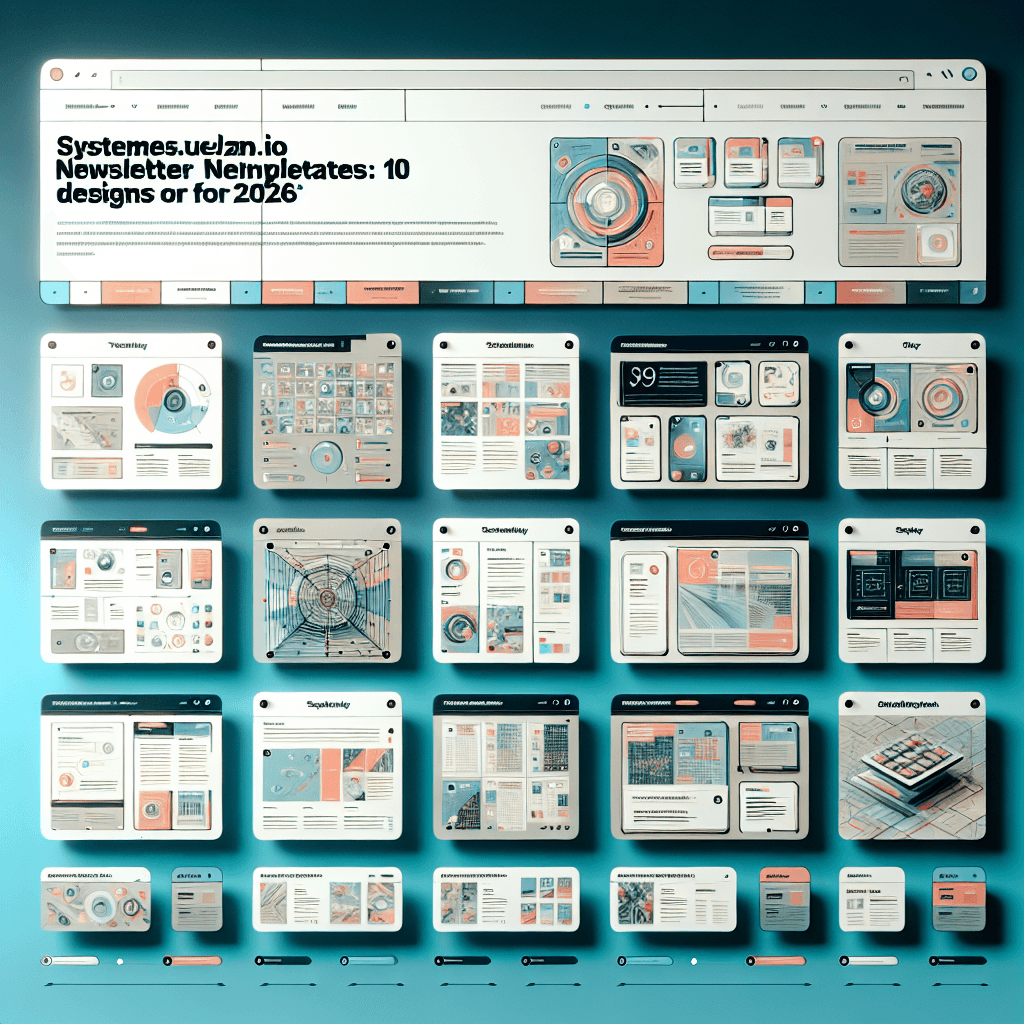
In this guide, we are going to explore 10 versatile, high-converting newsletter templates you can build or load directly within Systeme.io. Whether you are running a flash sale, a weekly digest, or a personal brand story, these designs are tailored for the modern 2026 audience.
Table of Contents
- Why Newsletter Design Matters More Than Ever in 2026
- How to Access and Customize Templates in Systeme.io
- 10 Ready-to-Use Systeme.io Newsletter Designs
- 1. The “Weekly Digest” Minimalist
- 2. The “Flash Sale” Urgency Builder
- 3. The “Welcome Aboard” Storyteller
- 4. The “Webinar Invitation” Focus
- 5. The “Product Showcase” Grid
- 6. The “SaaS Update” Changelog
- 7. The “Affiliate Review” Comparison
- 8. The “VIP Exclusive” Text-Hybrid
- 9. The “Podcast & Video” Drop
- 10. The “Seasonal Holiday” Vibrant
- Comparison: Systeme.io Editor vs. The Competition
- Pro Tips for Maximum Engagement
- Conclusion
- Frequently Asked Questions (FAQ)
Why Newsletter Design Matters More Than Ever in 2026
In 2026, user behavior has shifted even further toward mobile-first consumption and “skimming.” The days of massive walls of text are fading for most niches. Here is why your Systeme.io template choice is critical:
- Dark Mode Dominance: Over 85% of users now browse in Dark Mode. Your templates must be transparent PNG-friendly and color-optimized so they don’t break when colors invert.
- The 3-Second Rule: You have roughly three seconds to convince a reader not to delete your email. A clean layout with a clear hierarchy accomplishes this.
- Deliverability: Poorly coded templates (often found in third-party builders) can hurt your sender reputation. Using Systeme.io’s native builder ensures clean HTML code that Gmail and Outlook respect.
How to Access and Customize Templates in Systeme.io
Before we dive into the specific designs, let’s quickly cover how you set these up. Systeme.io makes this incredibly intuitive.
- Navigate to Emails: On your dashboard, go to the Emails tab and select Newsletters.
- Create New: Click the “Create” button.
- Visual vs. Classic: You will be asked to choose between the Visual Editor and the Classic Editor. For these 2026 designs, always choose the Visual Editor to utilize the drag-and-drop features.
- Save as Template: Once you build a design you love, you can save it as a template within your account, so you don’t have to rebuild it every week.
10 Ready-to-Use Systeme.io Newsletter Designs
Below are 10 conceptual designs you can easily assemble using Systeme.io’s elements. These cover virtually every scenario a digital marketer or business owner will face.
1. The “Weekly Digest” Minimalist
This is the bread and butter for bloggers and thought leaders. It respects the reader’s time and focuses on readability.
- The Layout: A clean header with your logo (left-aligned), followed by a brief personal intro. The body consists of 3-4 distinct sections with “Read More” buttons.
- Key Elements:
- Divider Lines: Use Systeme.io’s horizontal line element to separate topics.
- Thumbnail Images: Small, left-aligned images next to article summaries.
- Best For: Curators, bloggers, and news-heavy industries.
- 2026 Twist: Use a pale background color (like #F5F5F5) for the outer section and white for the content box to create a “card” effect.
2. The “Flash Sale” Urgency Builder
When Black Friday comes, or you are launching a new course, you need this template. It is designed to trigger FOMO (Fear Of Missing Out).
- The Layout: A bold, hero image at the top announcing the discount. Immediately below is the countdown timer.
- Key Elements:
- Countdown Timer: Systeme.io has a native countdown element. Set it to expire at a specific date or “evergreen” based on when the user opens it.
- Giant CTA Button: A full-width button saying “Claim My 50% Off.”
- Best For: E-commerce, course launches, and limited-time offers.
- Pro Tip: Keep text minimal. The timer does the talking.
3. The “Welcome Aboard” Storyteller
This is likely the first email in your automation sequence, but it works as a broadcast to re-introduce yourself to an old list.
- The Layout: Starts with a high-quality photo of you (the founder) or your team. The typography should be larger (18px+) to feel inviting.
- Key Elements:
- Signature Block: Create an image of your actual signature and place it at the footer.
- Social Icons: Use the social element to link to your Instagram or LinkedIn immediately.
- Best For: Building rapport, personal branding, and coaching.
4. The “Webinar Invitation” Focus
The goal here is a single click: Registration.
- The Layout: Inverted pyramid style. Large headline -> Image of the host -> Bullet points of what they will learn -> Button.
- Key Elements:
- Bullet List: Use checkmark icons instead of standard bullets to imply “benefits.”
- Two CTA Buttons: Place one above the fold (after the headline) and one at the very bottom.
- Best For: Live events, Zoom calls, and workshops.
5. The “Product Showcase” Grid
Perfect for e-commerce store owners using Systeme.io to sell physical or digital goods.
- The Layout: A 2-column or 3-column row structure. Each column contains a product image, a title, a price, and a “Buy” button.
- Key Elements:
- Columns: Systeme.io handles columns beautifully on mobile (stacking them vertically).
- High-Res Images: Ensure your product shots have transparent backgrounds.
- Best For: Retailers, Etsy sellers, and merch drops.
6. The “SaaS Update” Changelog
If you sell software or have a membership site, you need to keep users updated on new features.
- The Layout: A timeline style. Use a left border on your text blocks to simulate a timeline connection.
- Key Elements:
- Badges: Use small colored text blocks to label updates as “New,” “Fixed,” or “Improved.”
- GIFs: Embed a GIF showing the new feature in action (Systeme.io supports GIF uploads).
- Best For: Software companies, membership sites, and app developers.
7. The “Affiliate Review” Comparison
This template is designed to sell someone else’s product effectively without looking spammy.
- The Layout: Introduction to the problem -> Introduction of the solution (the product). A “Pros vs. Cons” section is vital here.
- Key Elements:
- Comparison Table: You can build a simple table using columns and text backgrounds to show “Product A vs. Product B.”
- Star Rating: Add an image of 5 stars above the CTA.
- Best For: Affiliate marketers and niche site owners.
8. The “VIP Exclusive” Text-Hybrid
Sometimes, “ugly” emails convert better because they look like they came from a friend. This template mimics a plain-text email but uses the visual editor for better tracking.
- The Layout: Left-aligned, no fancy background colors. Standard font (Arial or Helvetica). No heavy images.
- Key Elements:
- P.S. Section: Always include a “P.S.” at the bottom with a link. It is the second most-read part of an email.
- Hyperlinks: Use text links rather than button blocks to maintain the “personal” feel.
- Best For: Consultants, B2B cold outreach, and high-ticket sales.
9. The “Podcast & Video” Drop
Driving traffic from email to YouTube or Spotify requires a specific visual cue.
- The Layout: A large “fake video player” image. Take a screenshot of your video, overlay a “Play” button icon in Canva, and upload that image to Systeme.io. Link the image to your video.
- Key Elements:
- The “Play” Image: This increases click-through rates (CTR) massively compared to a text link.
- Time-stamps: List 3 interesting moments in the video (e.g., “At 04:30 we discuss AI tools”).
- Best For: YouTubers, Podcasters, and content creators.
10. The “Seasonal Holiday” Vibrant
Don’t be afraid of color during Halloween, Christmas, or Summer Sales.
- The Layout: Uses a background image (set in the Section settings) that spans the full width. The content box floats in the middle with a white background.
- Key Elements:
- Background Images: Use subtle patterns (snowflakes, autumn leaves) rather than busy photos.
- Festive Fonts: You can import Google Fonts into Systeme.io to match the holiday vibe.
- Best For: Holiday promotions and seasonal greetings.
Comparison: Systeme.io Editor vs. The Competition
Is the Systeme.io editor really enough to handle these 2026 designs compared to dedicated email giants? Let’s look at the data.
| Feature | Systeme.io | Mailchimp (Free) | ActiveCampaign |
|---|---|---|---|
| Drag-and-Drop Interface | Yes (Very intuitive) | Yes | Yes (Complex) |
| Mobile Responsiveness | Automatic | Automatic | Automatic |
| Countdown Timers | Included Free | Paid Tier Only | Included |
| Integrated Funnels | Yes (Native) | No | No |
| Visual Automation | Included | Limited | Advanced |
| Custom HTML/CSS | Yes | Limited | Yes |
| Price | Free Plan available | Free (very limited) | High Monthly Cost |
The Verdict: While ActiveCampaign offers deeper automation logic, Systeme.io wins on design flexibility specifically for the price point. The ability to include countdown timers and funnel steps directly in the email editor without third-party integrations is a massive advantage for the templates listed above.
Pro Tips for Maximum Engagement
Having a great template is step one. Here is how to ensure those templates actually convert in 2026.
1. Leverage Personalization Tags
Don’t just use {first_name} in the subject line. Use it in the body content and even on the buttons. For example, a button text reading: “Start Your Journey, [Name]” often performs better than a generic “Click Here.”
2. The “Pre-header” Text
In the Systeme.io editor, you can set the “Pre-header.” This is the snippet of text seen in the inbox before the email is opened. Do not leave this blank! It should complement your subject line.
- Subject: Open for your discount…
- Pre-header: …but hurry, it expires in 4 hours!
3. A/B Test Your Designs
Systeme.io allows you to split test emails. Try sending Template #8 (Text-Hybrid) to 50% of your list and Template #2 (Visual Flash Sale) to the other 50%. You might be surprised that sometimes “uglier” emails win depending on the audience.
4. Optimize for “Dark Mode”
When uploading logos or icons to your Systeme.io library, always save them as PNGs with transparent backgrounds. If you use a JPG with a white square background, it will look terrible when a user’s phone switches to Dark Mode.
Conclusion
Email marketing in 2026 isn’t just about sending words; it’s about delivering an experience. The 10 templates outlined above—from the “Flash Sale” urgency builder to the “Weekly Digest”—cover the spectrum of needs for modern digital entrepreneurs.
Systeme.io provides the toolkit to build these designs without needing a degree in graphic design or HTML. By utilizing the drag-and-drop editor, you can ensure your emails are mobile-responsive, aesthetically pleasing, and, most importantly, high-converting.
Ready to start building? Log in to your Systeme.io dashboard today, pick one of the layouts above, and send a test email to yourself. You will see the difference a structured design makes immediately.
If you found this guide helpful, please share it with your fellow marketers or leave a comment below about which template you plan to try first!
Frequently Asked Questions (FAQ)
1. Can I save my own templates in Systeme.io?
Yes! Once you design an email in the visual editor, you can save it as a template. This allows you to load the exact same layout for future newsletters, saving you hours of work.
2. Are Systeme.io templates mobile responsive?
Absolutely. The visual builder automatically stacks columns vertically when viewed on a mobile device. However, you should always use the “Mobile View” toggle in the editor to double-check font sizes and padding before sending.
3. Can I import HTML templates into Systeme.io?
Yes. If you have a custom HTML template from a designer, you can use the “Source Code” button within the text editor or select the raw HTML element to paste your code. However, for most users, the drag-and-drop builder is safer and easier.
4. Does Systeme.io add a watermark to my emails?
On the Free plan, there is a small “Powered by Systeme.io” badge at the footer. To remove this and fully brand your templates, you will need to upgrade to one of the paid plans (Startup, Webinar, or Unlimited).
5. How do I add a video to my newsletter?
Email clients (like Gmail) do not support playing video directly inside the email. The best practice, which Systeme.io supports, is to add a static image of the video player (with a play button) and link that image to your YouTube or video hosting link.
6. Can I use custom fonts in my templates?
Systeme.io comes with a wide variety of Google Fonts built-in. You can select these from the typography settings in the editor sidebar to match your brand identity.
7. Why do my images look different in Outlook?
Outlook is notorious for rendering HTML emails differently than other providers. To combat this, keep your Systeme.io designs simple, avoid negative margins, and always add “Alt Text” to your images.
8. Is there a limit to how many emails I can send?
One of the best features of Systeme.io is that even on the Free plan, you get unlimited email sends to your contacts. This is rare in the industry and perfect for testing different template designs.

लेटेस्ट अपडेट्स, ट्रेंडिंग न्यूज़, वायरल टॉपिक्स, फैशन से जुड़ी जानकारी और बहुत कुछ। मोबाइल लॉन्च, टेक तुलना और ताज़ा मुद्दों पर इन-डेप्थ आर्टिकल्स के साथ हमेशा रहें अपडेटेड